Monitor
The monitor is the screen where the system’s turns are shown. It is the visible face of the queue: customers check it to know when it is their turn and which counter to head to.
📷 Screen mockup — Monitor showing turns being served and recently called
What it shows
Section titled “What it shows”The monitor displays two states of turns:
- Being served: the turns currently being handled at the counters.
- Recently called: the turns that have just been called so customers head to their counter.
In free counters mode, it also shows which counters are free so people can walk straight to them, with no tickets needed.
📷 Screen mockup — Monitor showing free and busy counters
The monitor in each waiting mode
Section titled “The monitor in each waiting mode”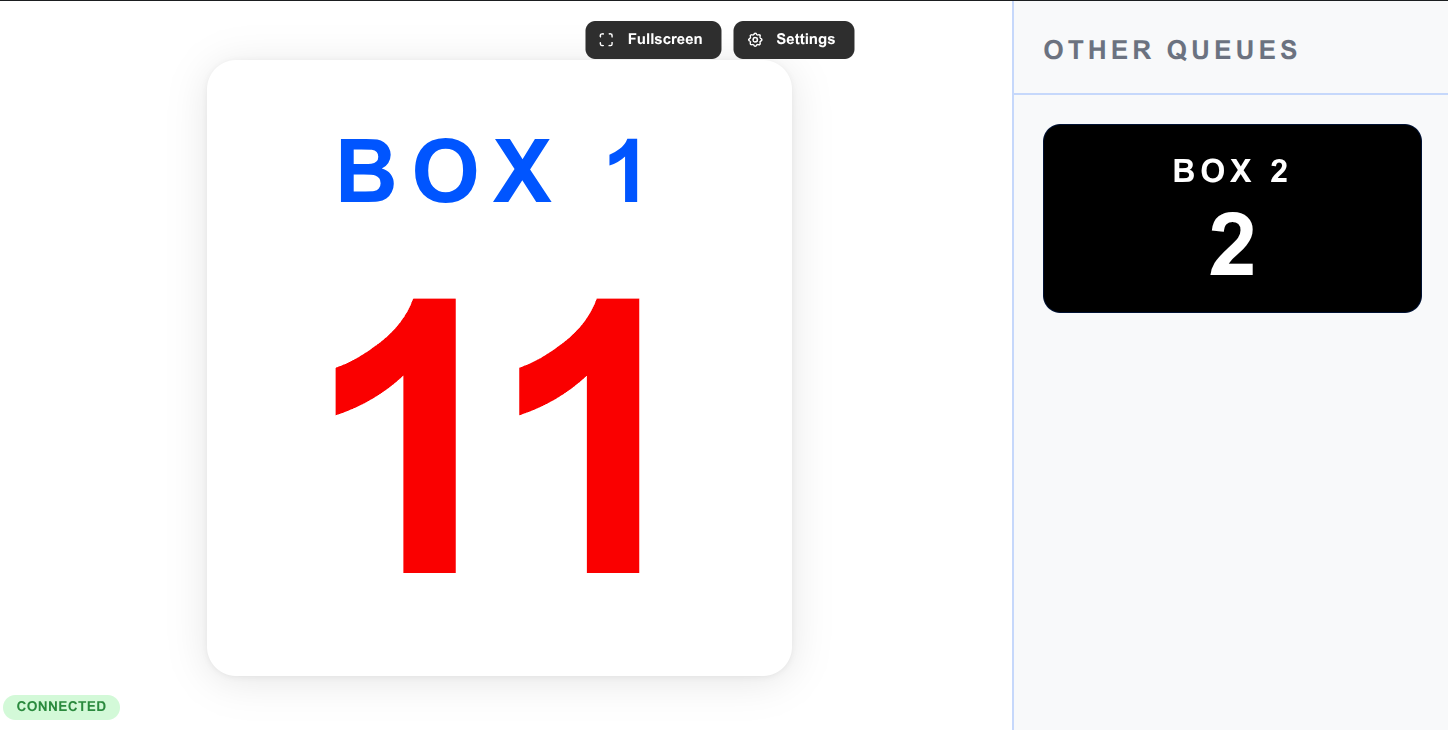
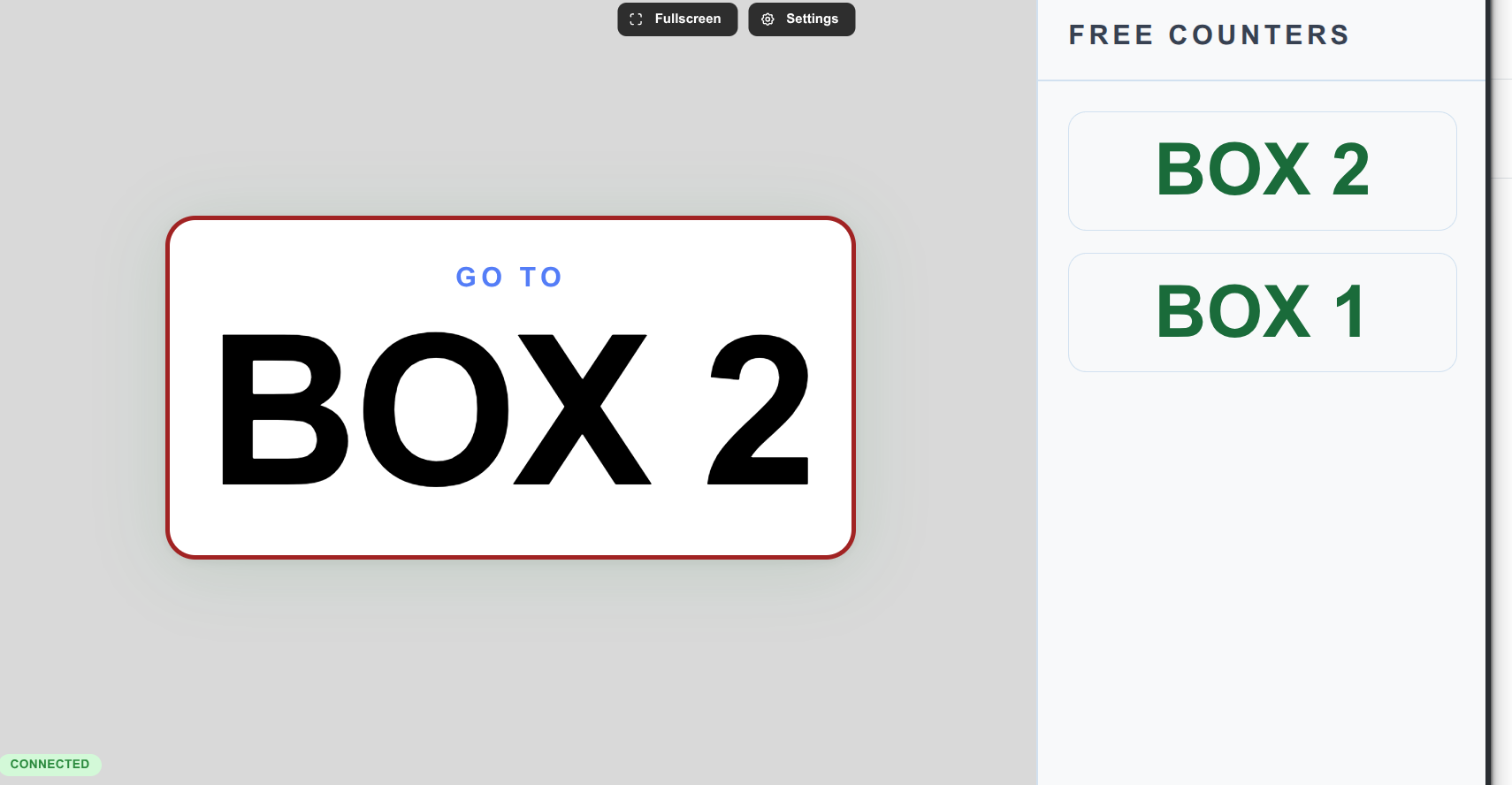
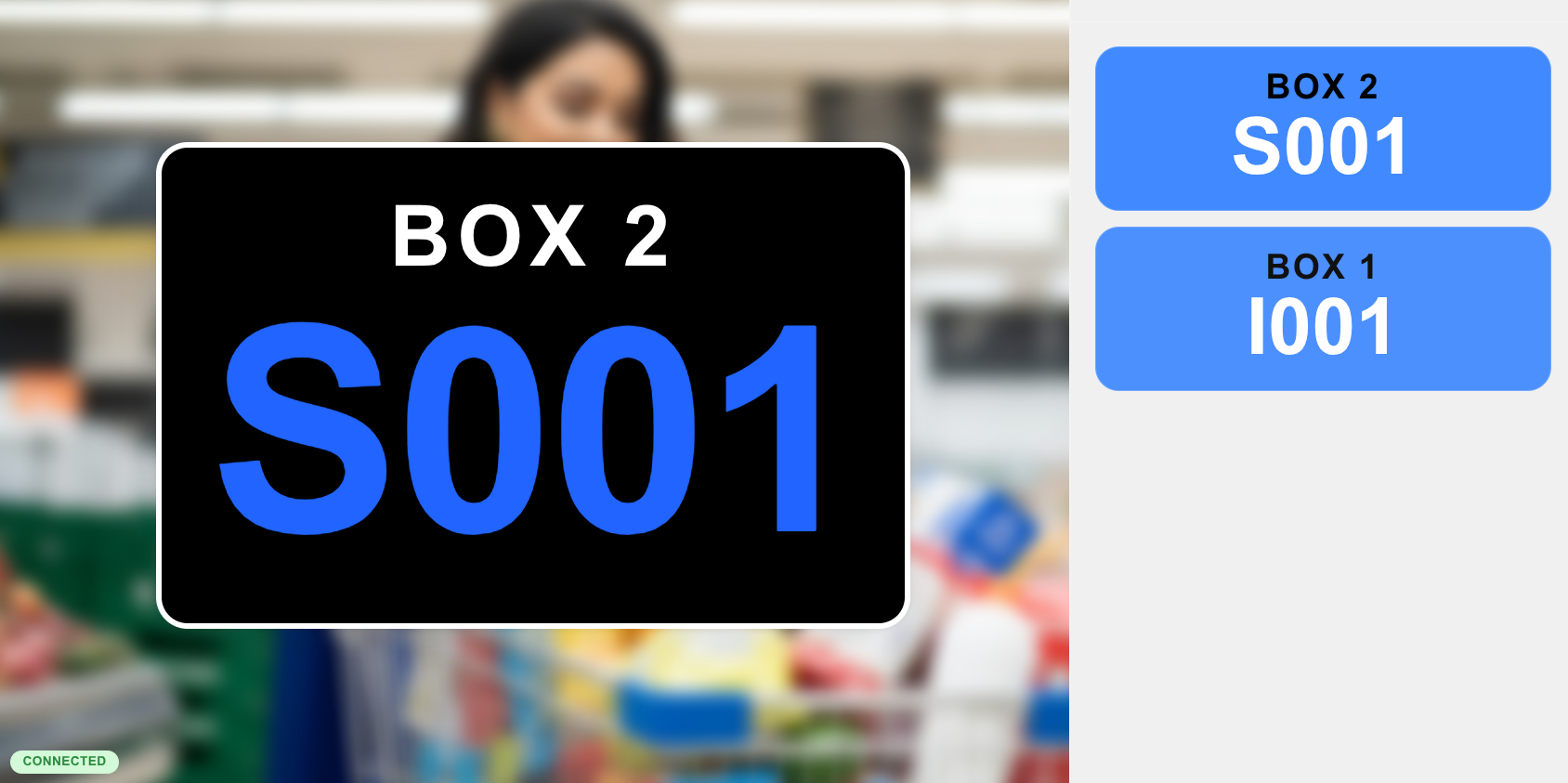
Customization
Section titled “Customization”The monitor is also customizable to match your business branding. You can change:
- Colors: for backgrounds, text and turn states.
- Backgrounds and background images: to show your brand on screen.
- Borders and corners of the cards and numbers.
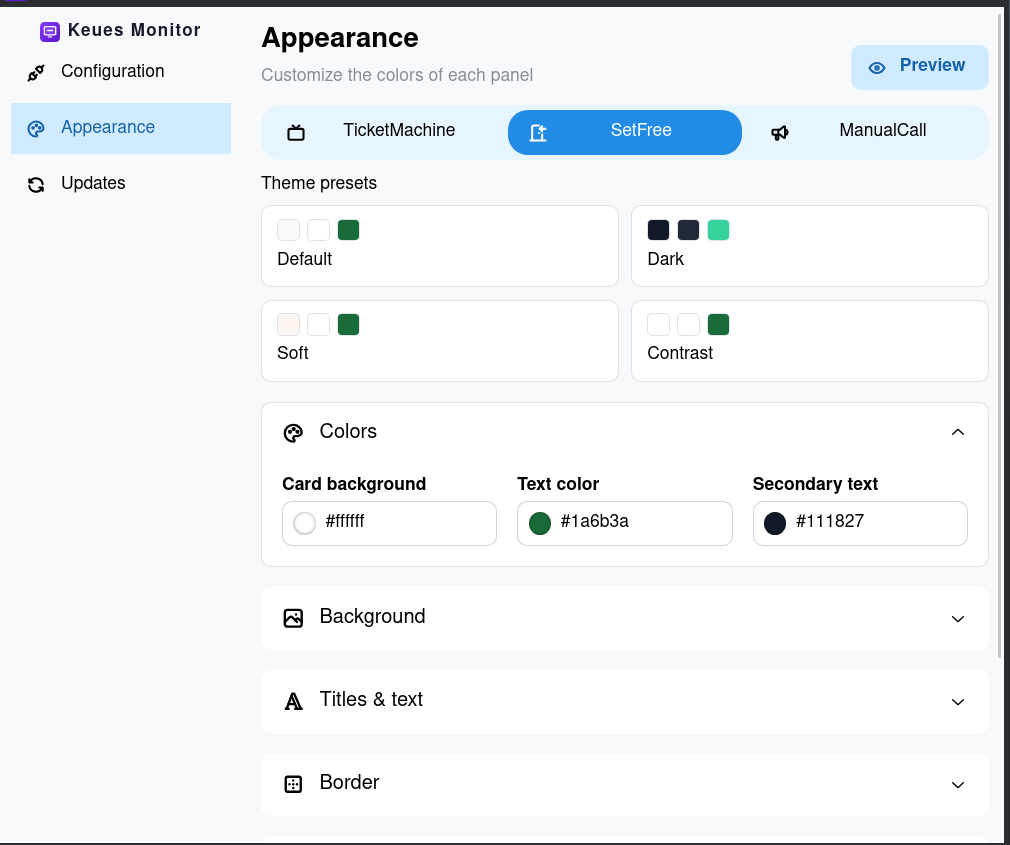
This way the whole monitor screen adapts to your business.
How it updates
Section titled “How it updates”When a counter calls a ticket, the number appears on the monitor almost instantly. When it finishes serving it, the turn moves to the being served section or disappears, and the counter can call the next one.
Connection with the server
Section titled “Connection with the server”The application needs to point to the server to stay in sync in real time: it receives every call almost instantly and keeps the turns on screen always up to date.
Sound and voice
Section titled “Sound and voice”The monitor combines a beep and a human voice, each with its own role:
- Beep: a warning tone that sounds when a new turn is called.
- Human voice: in free counters mode, the voice tells customers out loud which counter to head to, for example “Please go to Counter 1”.
Both options are configurable from the monitor itself, so you can enable or disable them separately depending on what your business needs.
This lets customers know when it is their turn even without looking at the screen, which is especially useful in busy rooms or when the waiting area is out of the monitor’s line of sight.
Download
Section titled “Download”You can download it from the downloads page.